How do I add addresses to my profile?
MrQR

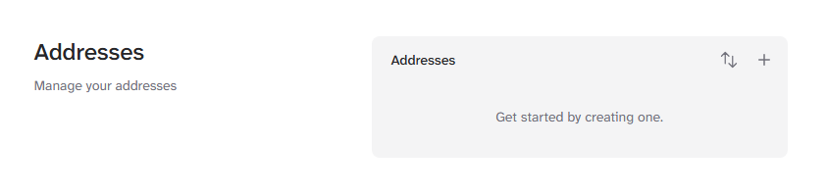
Multiple Addresses can be added to your profile. Select User Menu > Profile Settings > Profile > Addresses

Select the Add + button to create your address.

When complete, select the [Create Address] Button.

You can also reorder your addresses by selecting the up and down arrow icon.
The top address will be the Primary address and will be used when submitting forms.
Add Addresses to your Profile here and select +