
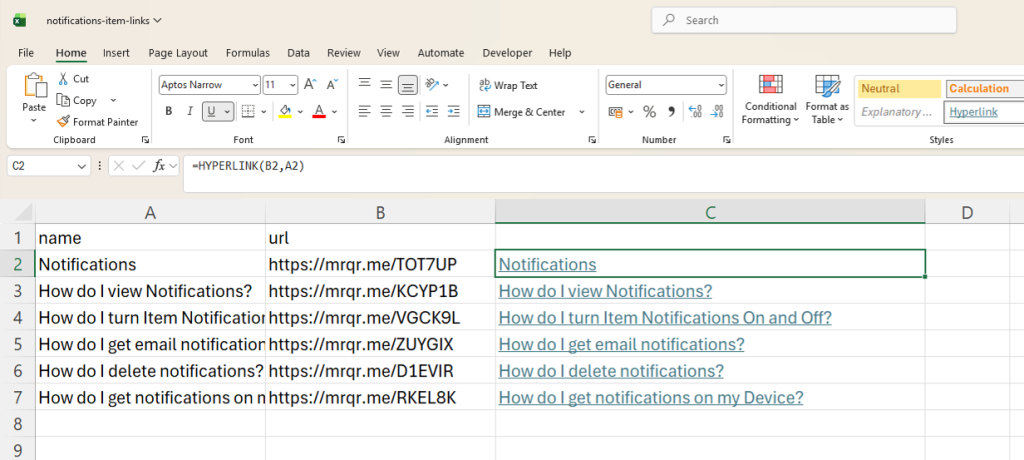
Microsoft Excel© includes a Hyperlink function that allows you to create a user-friendly link from the exported MrQR link QR item or form link data files as an equation.
Export Item Links & Open
In Cell C2 enter the equation =HYPERLINK(B2,A2)
Copy Cell C2 and paste into Cell C3, C4, C5 etc...
Use the formula in Microsoft Excel© to create user-friendly, shareable links, or copy & paste them back into MrQR to create menu item pages, similar to this user guide.
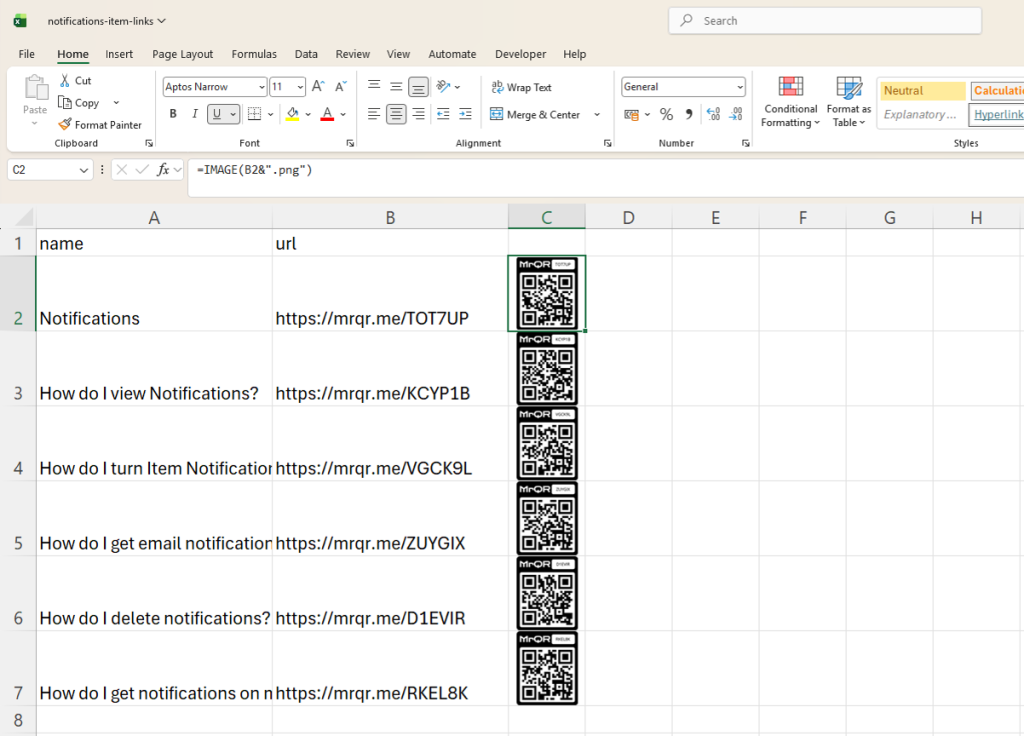
Microsoft Excel© includes an image function that allows you to import the MrQR link QR code into Microsoft Excel© as an equation.
Export Item Links & Open
In Cell C2 enter the equation =IMAGE(B2&".PNG")
Copy Cell C2 and paste into Cell C3, C4, C5 etc...
Use the formula in Microsoft Excel© to create posters & Labels