
View form submissions for any item on your team
You must be logged in.
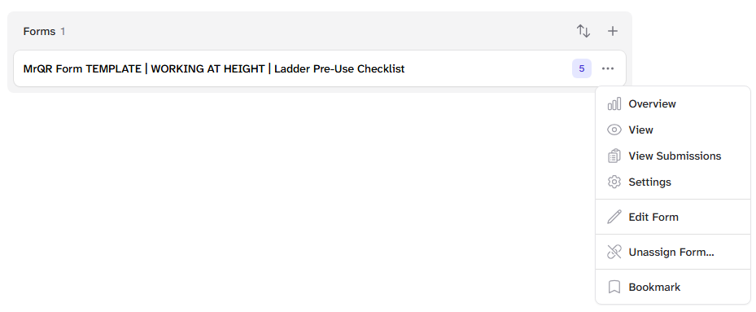
From the Dashboard, Items, or Overview screens, navigate to Item, Forms, then select View Submissions from the . . . menu.
Select For version
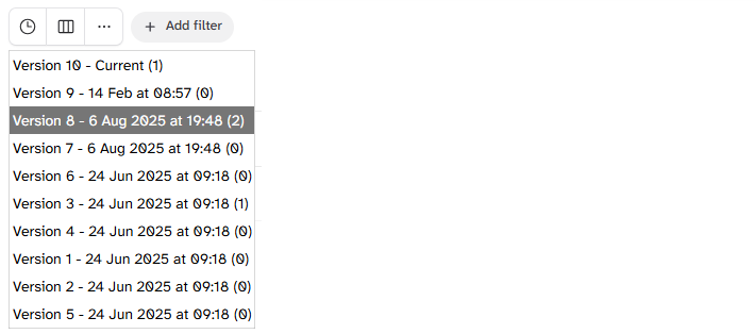
Select the Clock icon and choose to view submissions from other form versions.
Input Selection
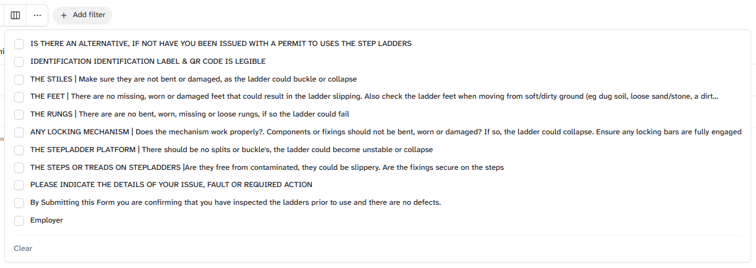
Select the 3 vertical boxes icon and choose which fields you want to view.
Manage Versions
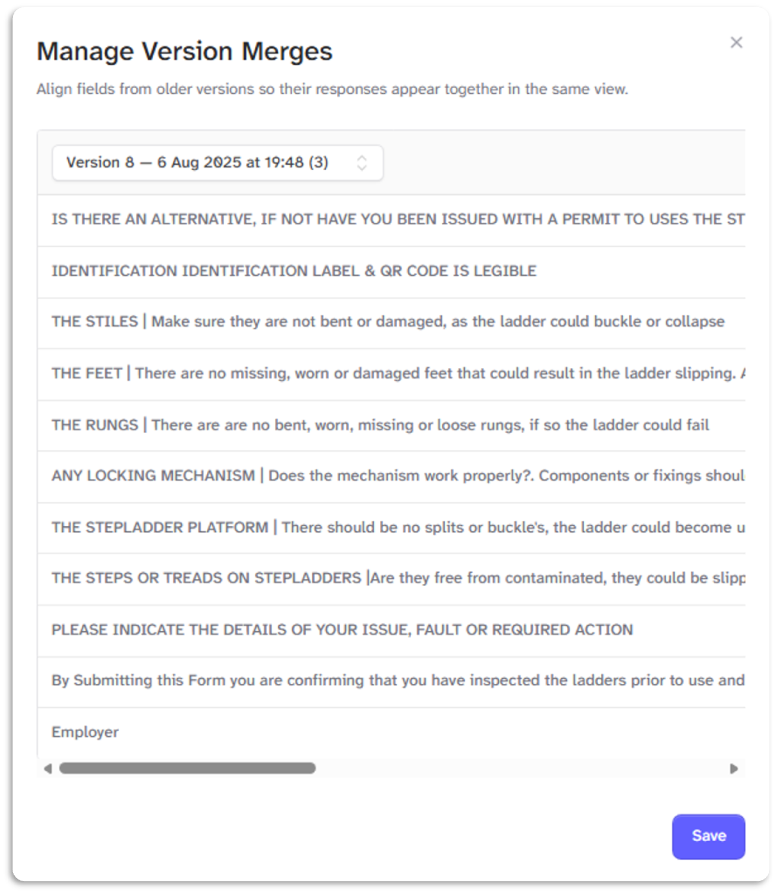
Select the . . . icon to merge and view data from different form versions
Add Filter
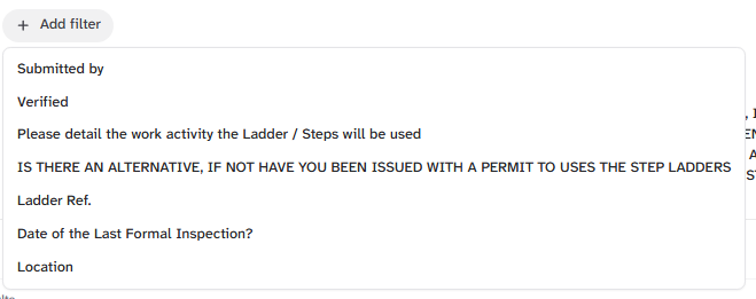
Select + Add filter to apply filters for Submitted by and any selected fields.
Date range select
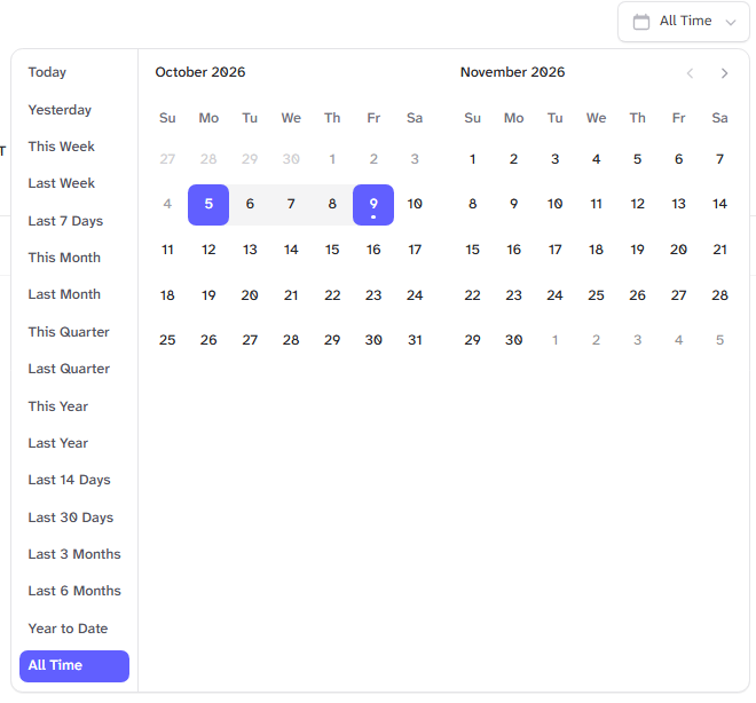
Select the date Range for viewing submissions. By default, 7 days is selected
Archive Button

Select the Archive button to view and restore deleted form submissions
Export Submissions

Select the export button to export a CSV file of the data collected.
View, Print & Delete

Select the menu icons next to a form submission to View, Print & Delete form submissions