Navigation
Menu Panel

Apart from editing MrQR Forms, the MrQR System logo is in the top left corner on every page,
Select the MrQR image anytime to return to your dashboard.
If you have subscribed to the enterprise team you can change the branding and replace the MrQR logo in your team settings.
MrQR Forms
The MrQR System Logo is replaced with a Back Button, select this to take you back to the previous screen.
MrQR Code Button
The MrQR Code Button is always shown in the top right corner, the features change depending on what you are doing with MrQR.
Camera Scan
This will always be shown and when selected you can use your device’s camera to scan MrQR Codes.
As it is integral to the MrQR system items will load much more quickly than using your device’s native QR code scanner.
Edit
Select to Edit and add content to your Item.
Preview
Select to Preview you MrQR Item.
MrQR Code
Select to Share the MrQR Code.
Search

The search button is always available in the Manu panel. After selecting the Search the Search Card will open.
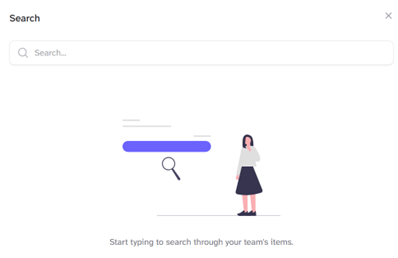
Start typing to search through your team's items.
You can search descriptions or the MrQR Code.