How do I change the order of my profile information?
MrQR

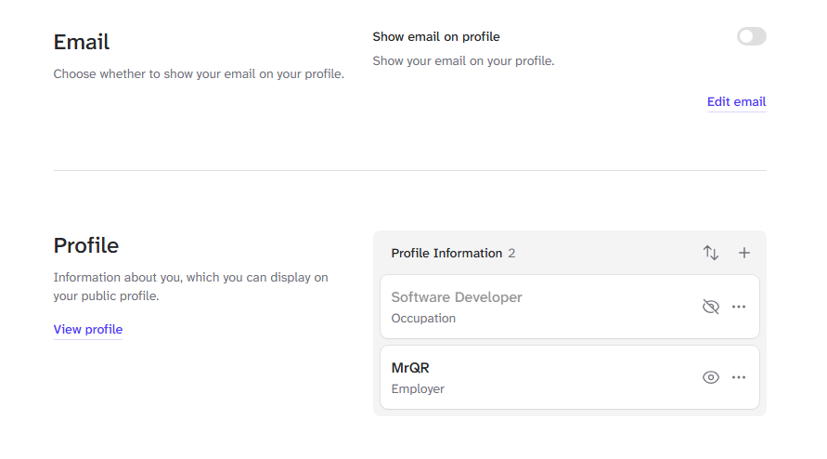
navigate to your Profile select User Menu > Profile Settings > Profile

Select the Up & Down Arrow icon

Select and drag your profile information and place it in your desired order.

Select the Purple Tick icon when you are finished.
Reorder your profile information here.