
To submit a form, you must be registered with MrQR.
When you scan a QR code, tap an NFC tag or follow a MrQR link, you will be directed to a MrQR web page.
This should include instructions and links to forms you have been requested to complete.

Select the form link.
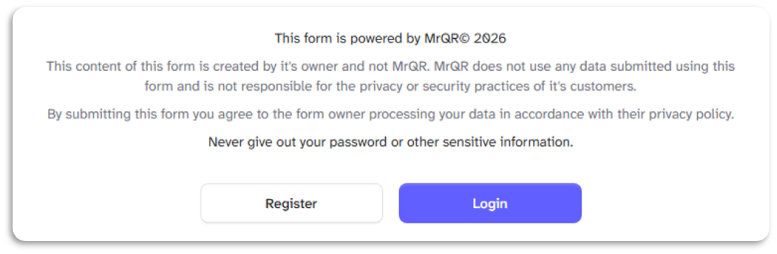
You will be asked to log in or register before you submit the form
You may be asked to agree to share your profile information with the form owner
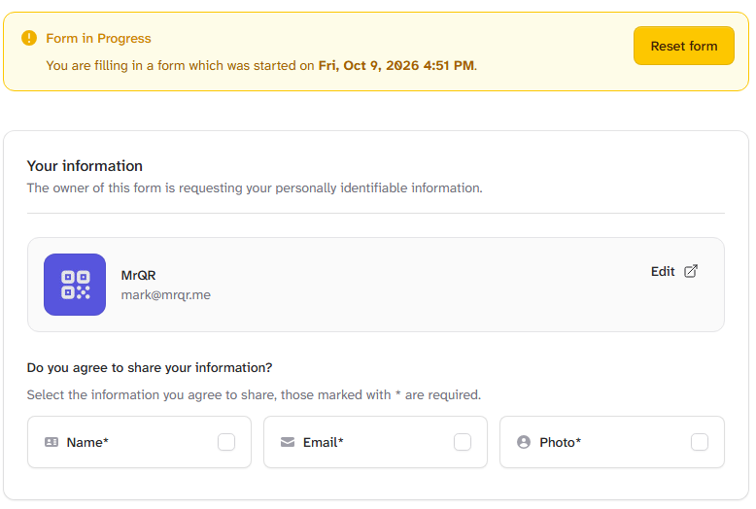
If you agree, please select the information you agree to share; those marked with * are required.
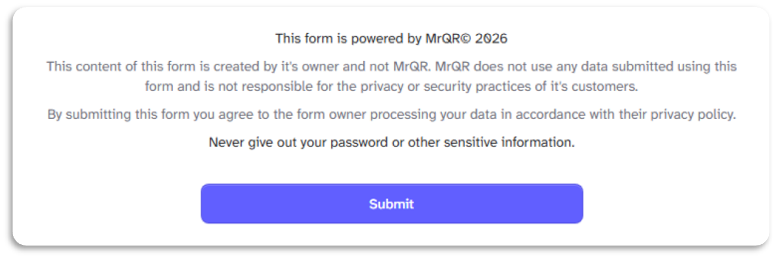
When the form is complete, select the [Submit] button'
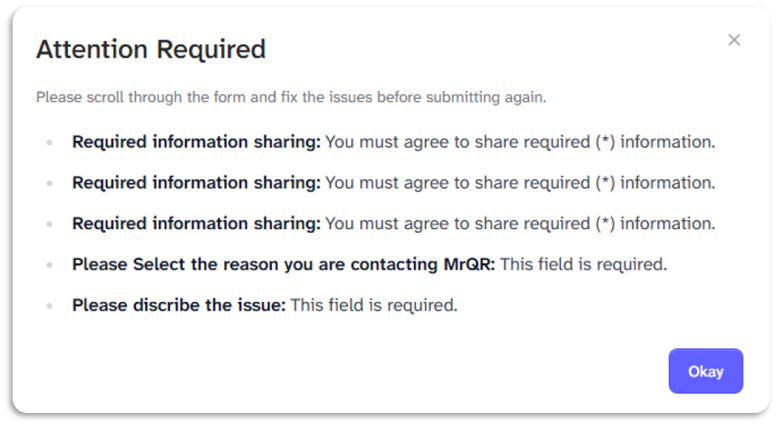
If you have missed a question, not agreed to share the required information, or answered incorrectly, you will see an Attention Required report detailing issues with the form submission.
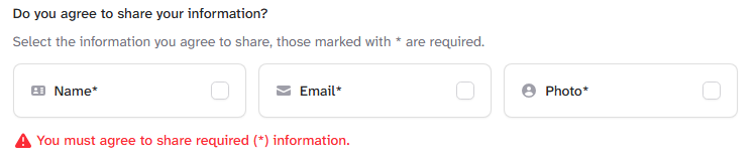
All errors will be highlighted with instructions in RED.