How do I add Bookmarks?
MrQR


You can add a bookmark for any Items and Assigned Forms. Select the [Bookmark +] on your dashboard to open the Bookmark Popup.
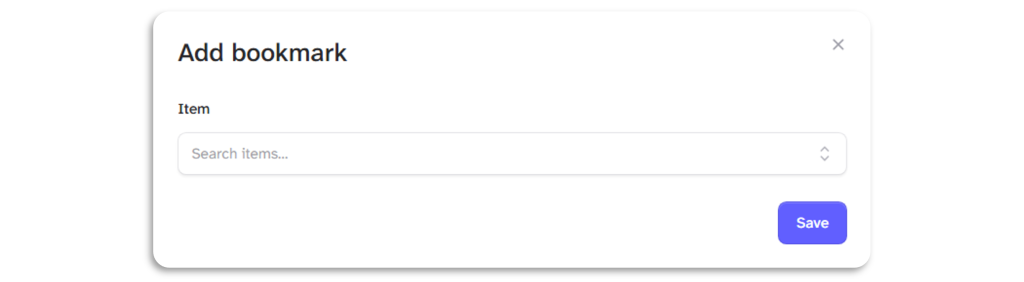
Start typing to search for the Item or form name URL.

You can also Bookmark Items and Forms from the . . . Menu selection when you see the Bookmark Icon

When you have Bookmarks, you can edit and remove them by selecting the . . . Menu.
You can select where you want the bookmark to send you