How-to Guide | View a Template
MrQR

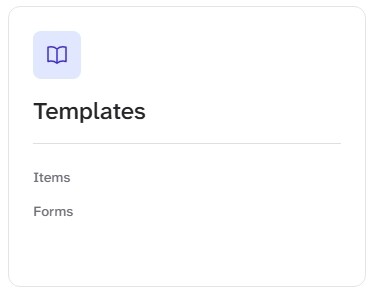
Templates can be accessed from the Dashboard Template CardSelect Template > Forms or Items
Templates can be accessed from the Dashboard Template Card
Select Template > Forms or Items
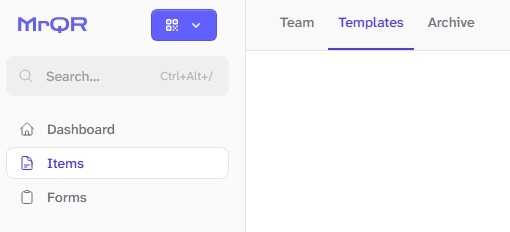
or Items > Templates > Select your Template
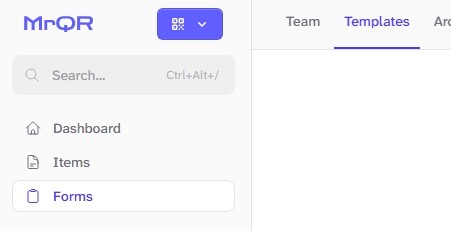
and Forms > Templates > Select your Template