How do I view my Profile?
MrQR

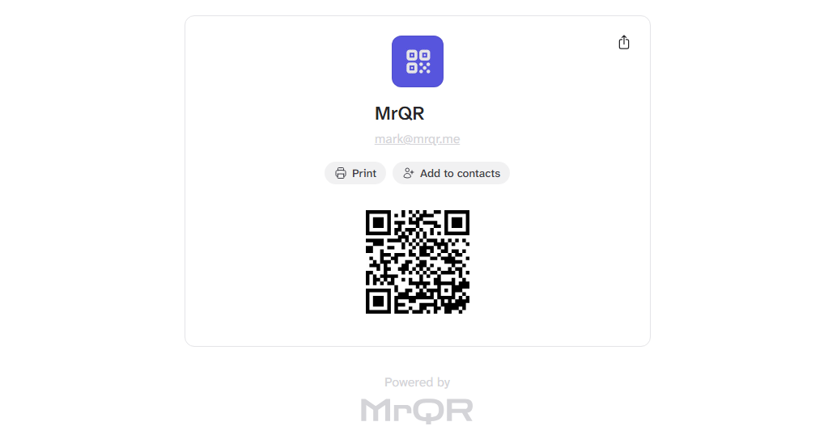
Your profile will have its own unique MrQR Link that you can share with others.
You can view your profile from 3 different screens.
Dashboard
Select the Public Profile card.
User Menu
Select User Menu > View Proifile to view your profile
Profile Settings
Select User Menu > Profile Settings > View Proifile to view your profile
View your profile in Profile Settings here and select View Profile.