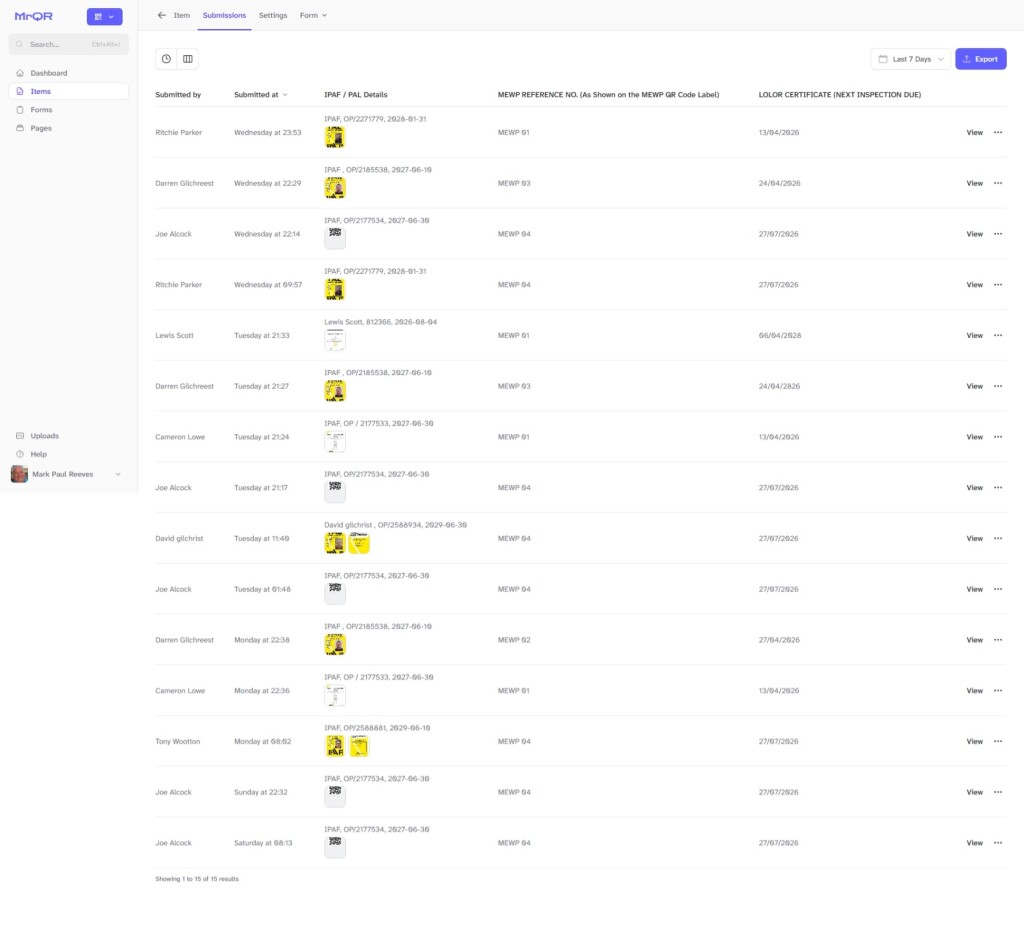
Once MrQR users have submitted forms, you will be able to view and export the Submission Data
Navigate to the required Item, select Forms from either the top menu bar or the ... Menu selection for the Item.
Select the required Form to open the Submissions Page.
Or
Select View Submissions on the selected Form ... Menu

Form Version
When a form is created it will be version 1, To maintaine the integrity of the data and accomadate major changes in form design each time you edit a form a new version is created. submissions can be stored an any version of the form.

Data Input Select
Select which Data input you want to see on the screen

Data Range
Select the date, or date range to view form submissions

Export
Export all data from the selected form version to a CSV file
You will be able to View, Print and Delete individual Form Submissions
Select View at the end of the Form submission, to view the individual Form Submission.
You can also Print and Delete individual form submissions using the Submission ... Menu or the Buttons on the Form Submission View.