How do I change my password?
MrQR

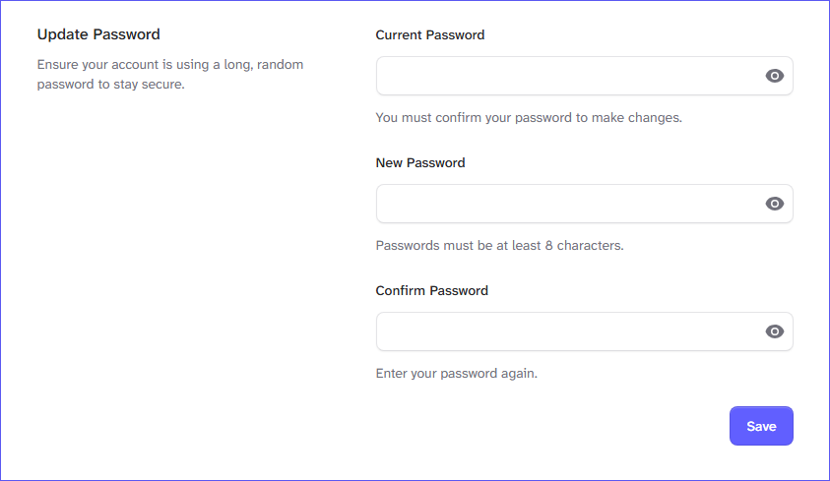
Select User Menu > Account Settings > Security to change your password.
Change your profile password and select the [Save] button.
Change your name in the account settings here.
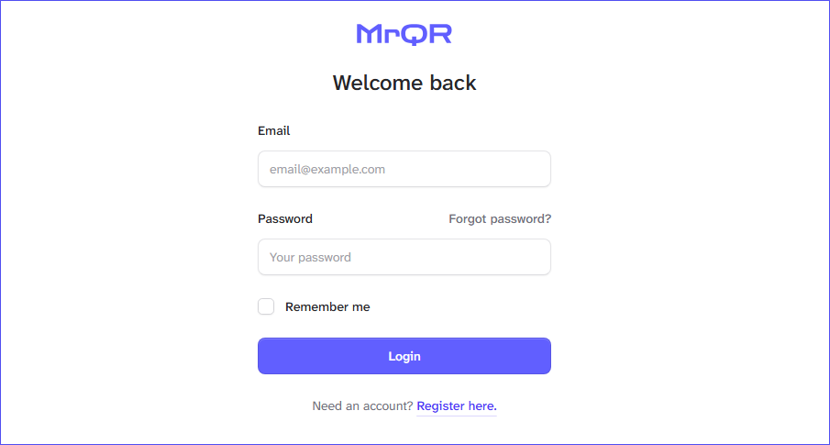
Select Forgot password? at the login screen to request a password reset.
An email will be sent to the registered email address with a password reset link.