How do I archive a MrQR digital form?
MrQR


To open the form builder, select Forms from the dashboard side menu.
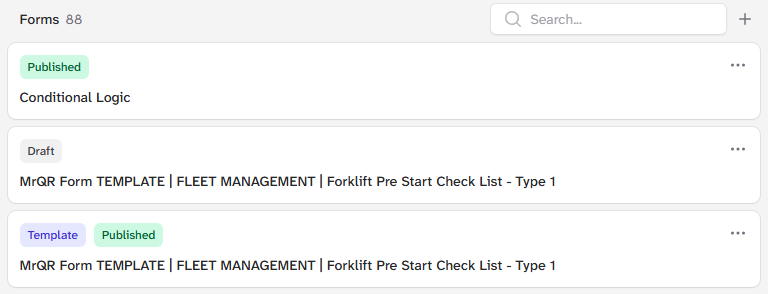
Select the . . . menu on the form you want to duplicate,

and select Archive
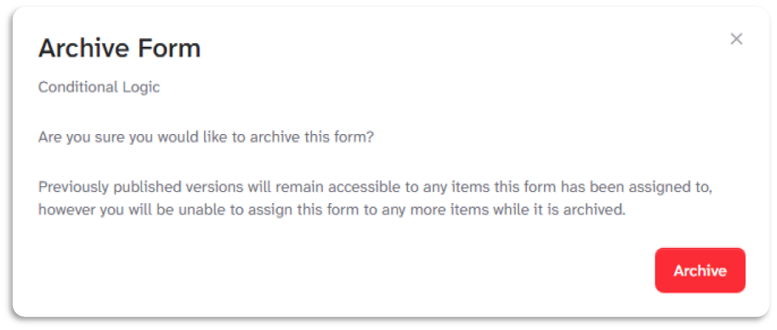
Select [Archive] to archive the form.
Note: Previously published versions will remain accessible to any items the form has been assigned to, however, you will be unable to assign this form to any more items while it is archived.
To go to your form builder, click here