How do I show or hide profile information?
MrQR

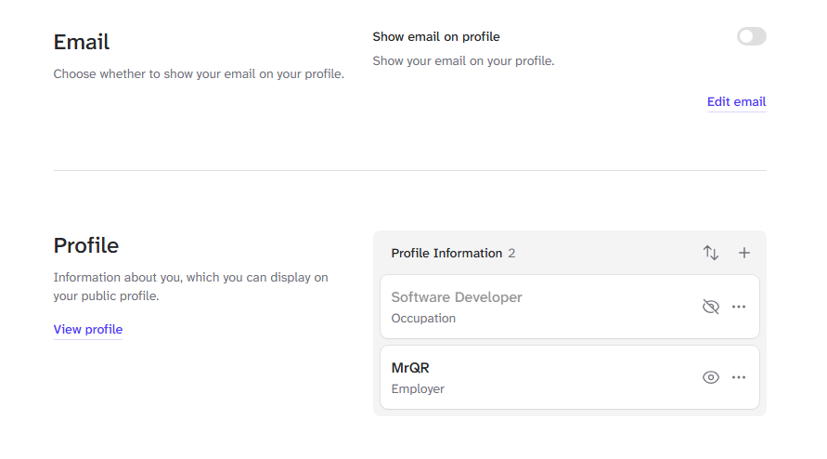
To Edit information in your Profile select User Menu > Profile Settings > Profile

To show profile information on your public profile page, select the show icon

To hide profile information on your public profile page, select the hide icon

When you add profile information. Turn on the Public Toggle to see your information on your profile page, and select the [Save] Button.
Edit your Profile here.