How do I restore an archived Item?
MrQR


Go to your dashboard and select Item Archive from the main menu bar.

Scroll through or search for the item you want to restore,
Select the Items . . . menu then Restore
Your item will be restored as a Primary Item.
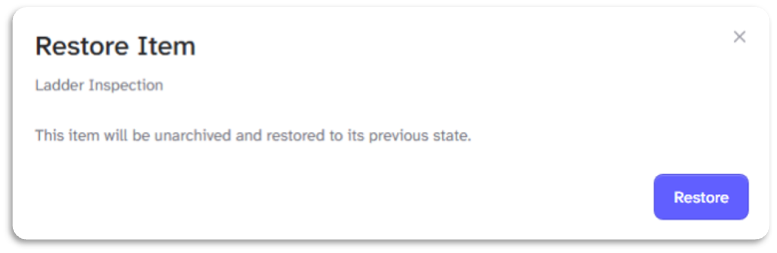
Your item, along with any forms and submissions, will be restored as a Primary Item.
To restore an item from your Item Archive, click here.