How do I create a New Digital Primary Item?
MrQR


To create a New Digital Primary Item, go to the Dashboard.
Select + Add Item
.To go to your Dashboard, click here
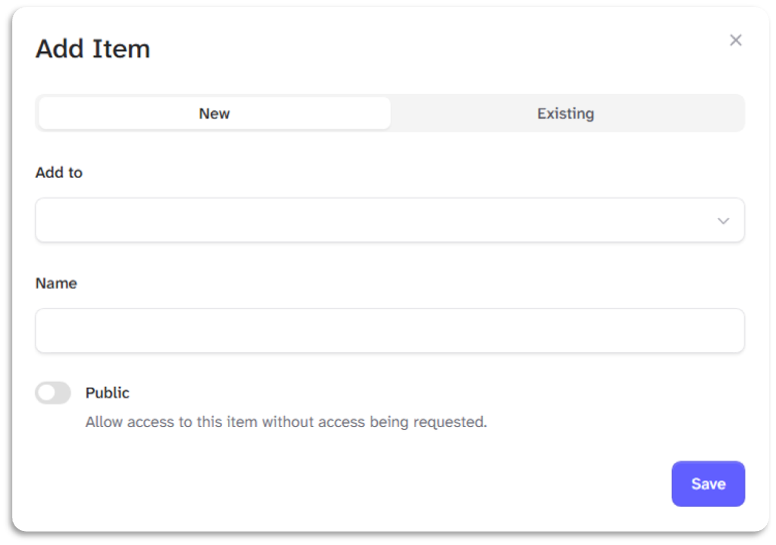
Enter your item's name in the name box.
Select the Public toggle to allow anyone to complete forms you assign to your item.
Select the [Save] Button to create your New Item.
See also: How do I restrict people from seeing forms I have assigned to an item