How do I publish a MrQR digital form?
MrQR

Navigate to the form you want to edit.

Once you are happy with your form, select the [Publish] button on the top menu bar.
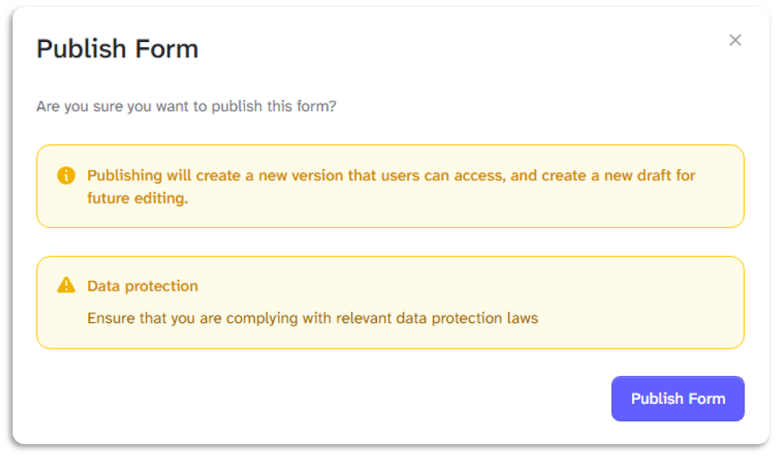
Publishing will create a new version that users can access and create a new draft for future editing.
Please ensure that you are complying with relevant data protection laws
To go to your form builder, click here