How do I control who can view and submit an Item's Forms?
MrQR

Navigate to your Item and select Settings
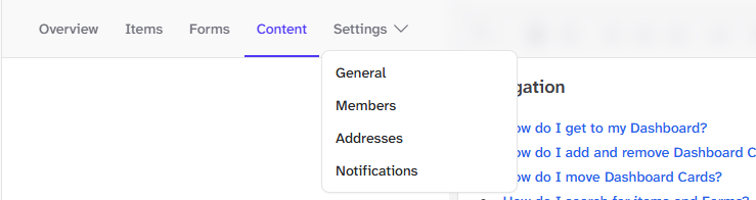
Select General
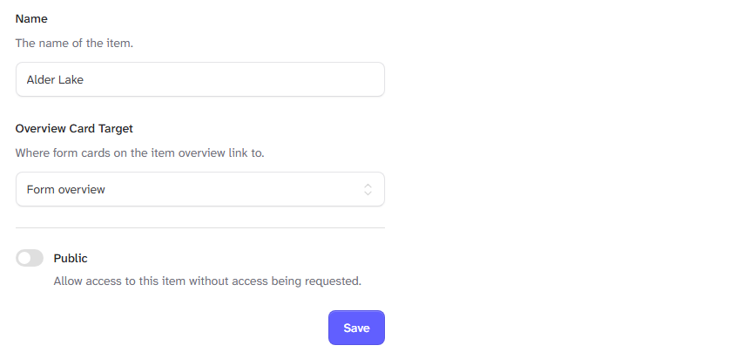
By default the Public toggle is off, and all users will have to be allowed access to your items' assigned forms.
You can turn the public toggle on to allow access to this item's forms without access being requested.
Once you have made your changes, select the [Save] button
