How do I share an Item within other Items?
MrQR

Share an Item between Items
Only Child Items can be shared between items.
If you select a primary item, it will be moved to your selected item and become a child.
To show and use an existing Item within an Item. (You can share items across multiple items)
Navigate to the item you want to share with and select + to open the Add Item pop-up, then select the Existing Tab.
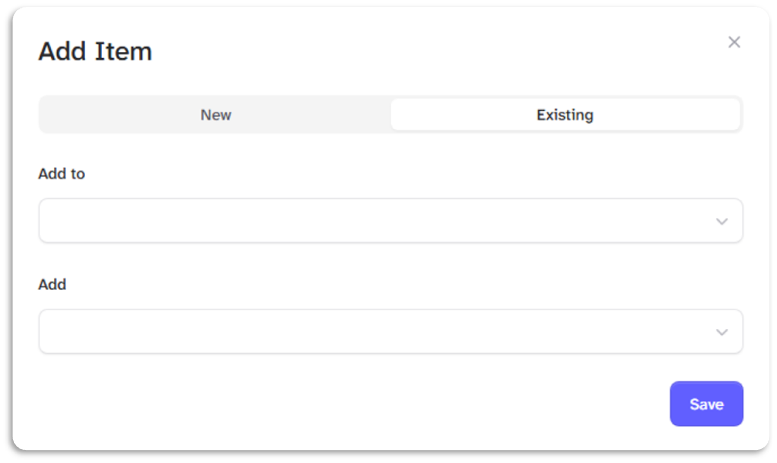
Add to: Leave blank to add to the item you have navigated to or enter or search for another item you want to add to
Add: Enter or search for the item you want to add
Select the [Save] Button.
The item will be shared across multiple items