How do I edit a MrQR digital form?
MrQR


To open the form builder, select Forms from the dashboard side menu.
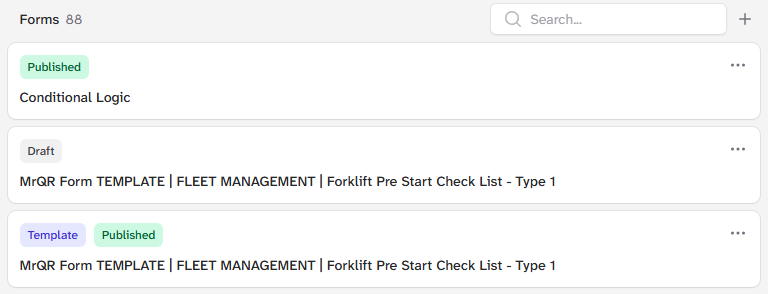
Select the . . . menu on the form you want to duplicate,
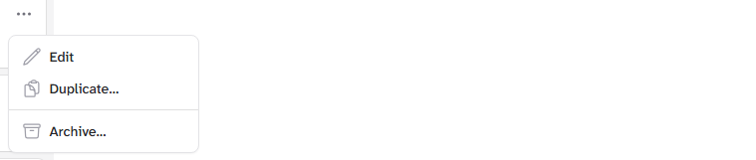
and select Edit
You can now edit your form.
Note:
Changes to your form will not take affect untill you republish the form. This create a new version of the form and will affect all items the form is assigned to.
the Date colleteced from previous version is protected and will only be associated to the form version it was submitted to.
To go to your form builder, click here