How do I add and remove profile information?
MrQR

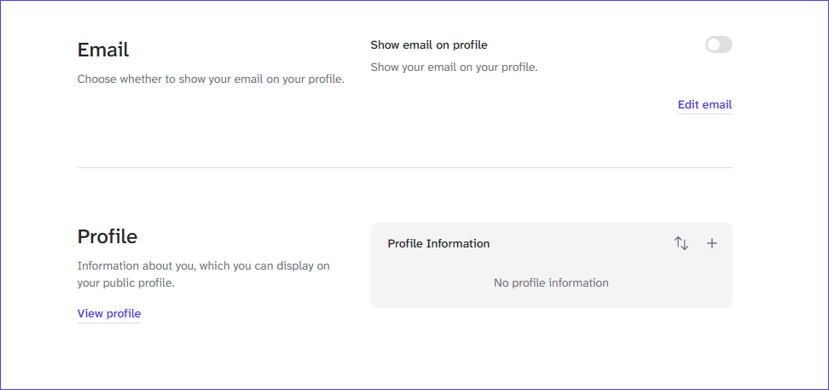
To add information to your Profile select User Menu > Profile Settings > Profile
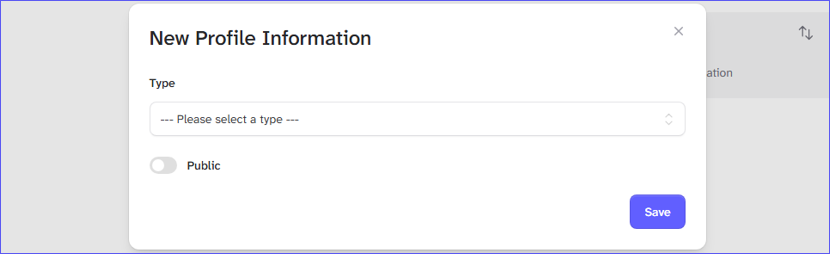
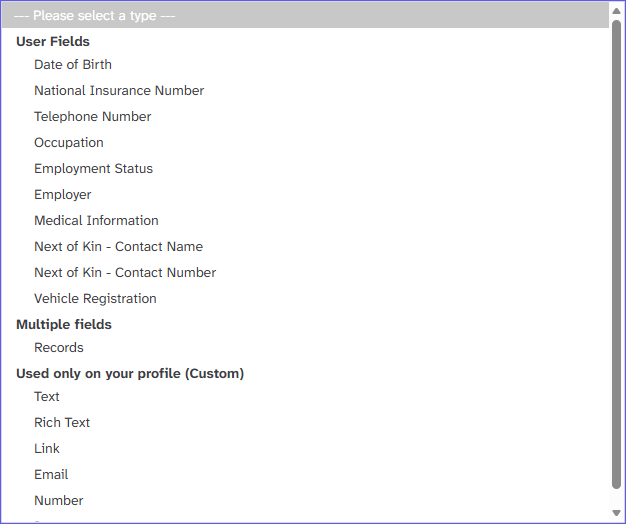
Select the information you want to add to your profile from the dropdown list.
Add your information. Turn on the Public Toggle to see your information on your profile page, select the [Save] Button.
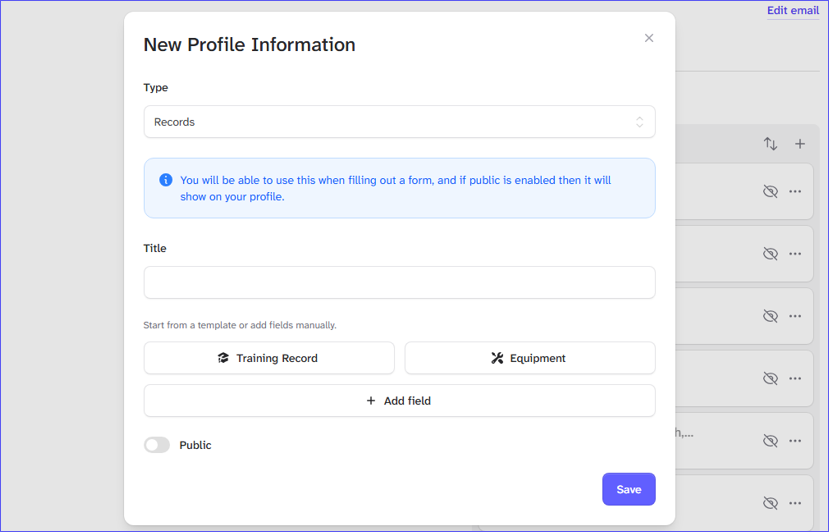
Add information to your Profile here and select +