System Logo
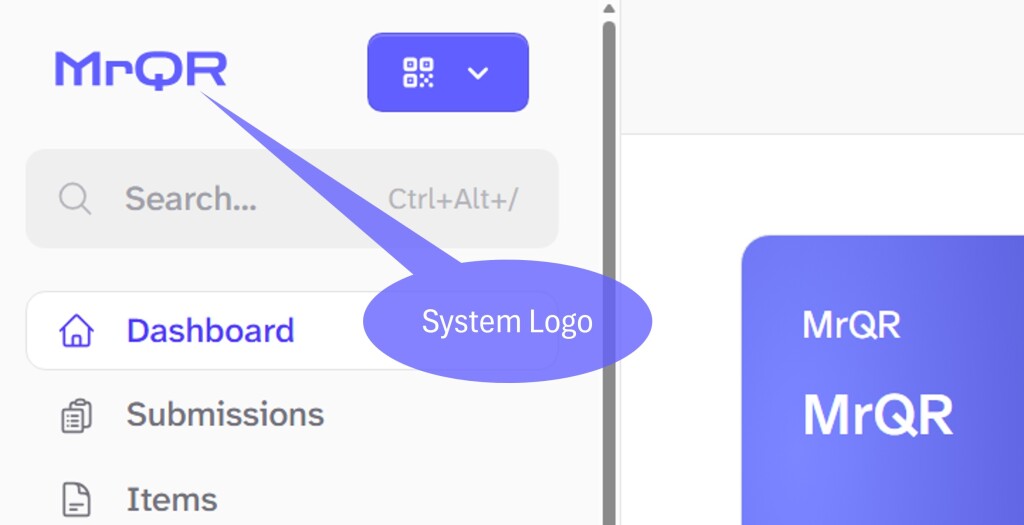
Select the system Logo anytime to return to the Main Dashboard
Dashboard Buttons
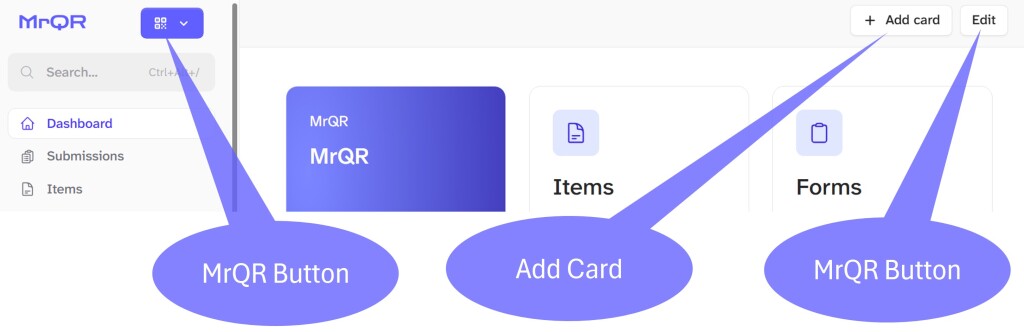
There are 3 Dashboard Buttons
MrQR Button - When selected, returns to the Main Dashboard screen
Add card - Opens the Add Card box to add Menu or Chart Cards for any item to your dashboard
Edit - When selected, enables you to reset your Dashboard or move the Dashboard cards
Search Bar
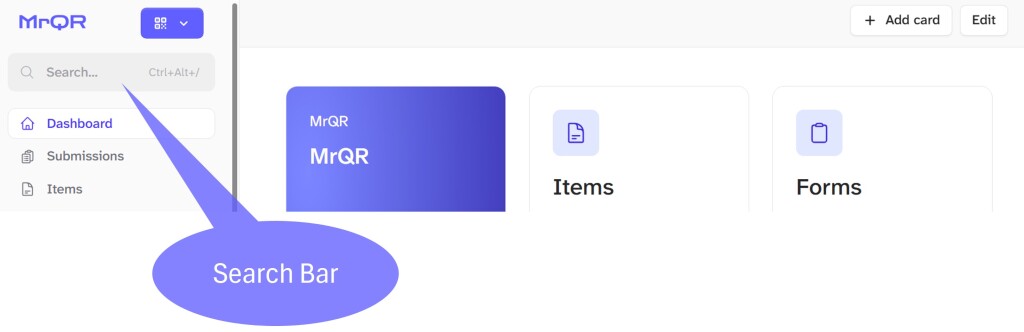
Select to Search for any item, you will also see some quick links to.
Create a New Item
Account Settings
Team Settings
File Library
System Menus
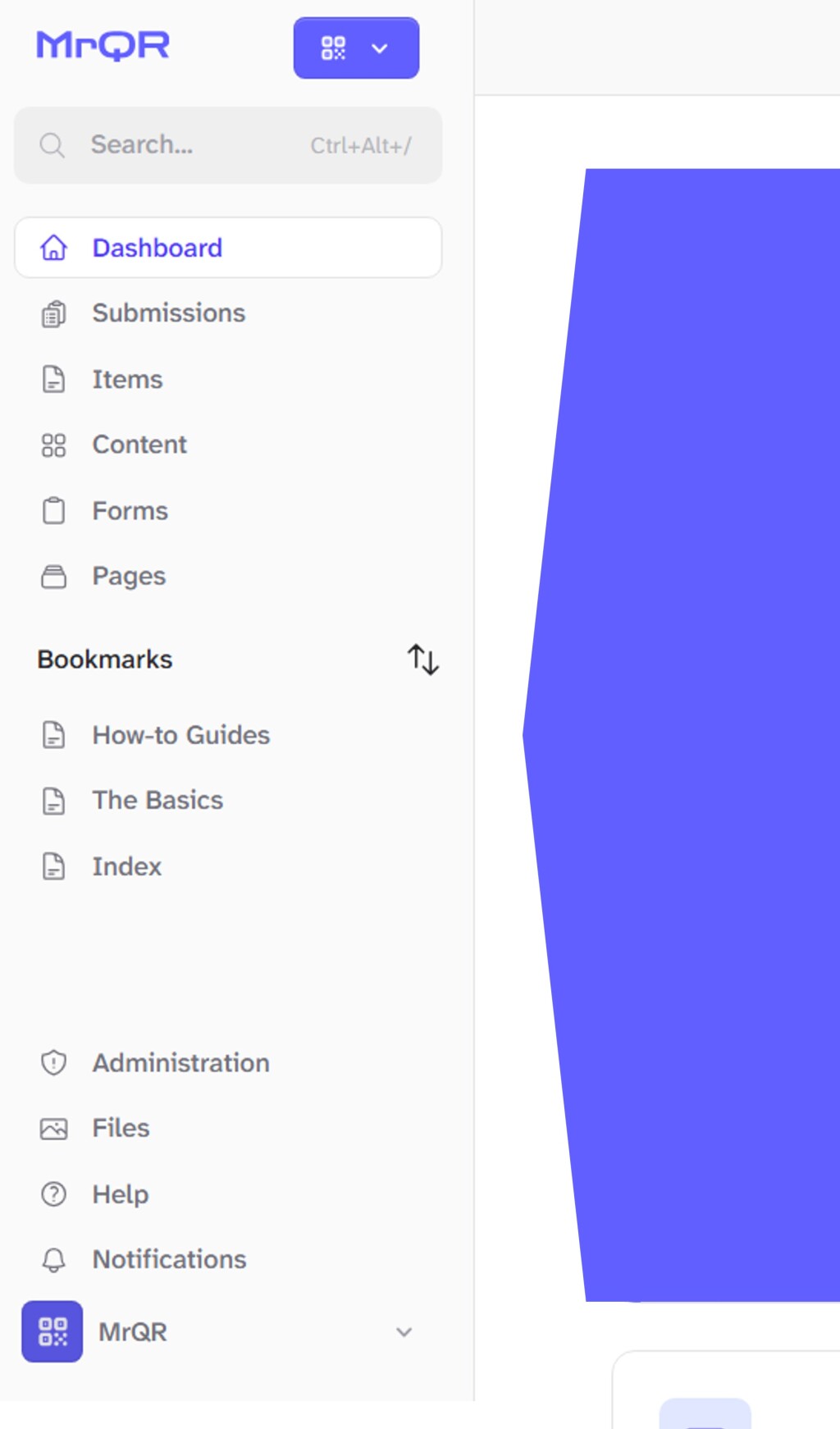
Quicklinks to the Main and Administrative functions of MrQR.
Submissions
Items
Content
Forms
Bookmarks
Files
Help
Notifications
User Menu
Logout
Profile Settings
View Profile
Profile
Addresses
Account Setting
General
Security
Invitations
Subscriptions
Team
Switch Team
New Team
Team Settings
Dashboard Cards
Information Card
Items
Account Settings
Templates
How-to Guides
Forms
File Library
Public Profile