How do I share my user profile page?
MrQR

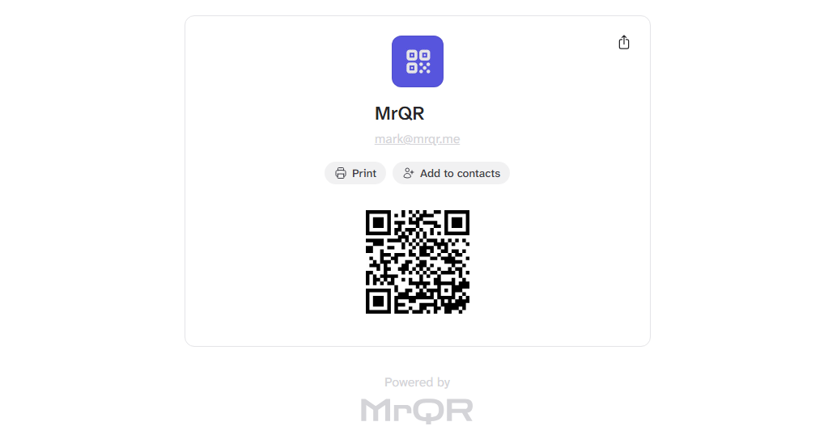
Your profile will have its own unique MrQR Link that you can share with others.
You can view your profile from 3 different screens.
Dashboard
Select the Public Profile card.
User Menu
Select User Menu > View Proifile to view your profile
Profile Settings
Select User Menu > Profile Settings > View Proifile to view your profile
View your profile in Profile Settings here and select View Profile.
Your profile can be shared by
Scanning the QR code shown on your profile, printing it, and adding it to Contacts.

Select the Share Icon to open your device's sharing options.
View and share your profile in Profile Settings here and select View Profile.