How do I get the MrQR Links?
MrQR


You can
view the MrQR Link as a QR Code
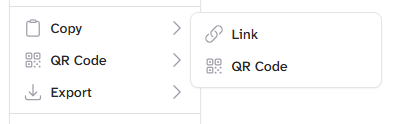
Copy the MrQR Link or Image file location (SVG format)
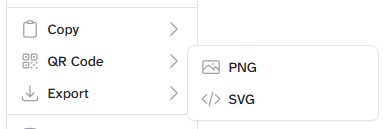
Download the MrQR Link as a QR code image file (SVG or PNG)
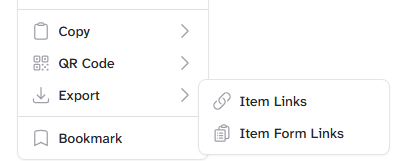
Export the current item and its child items' links in a CSV file format
Export the current item's assin forms links in a CSV file format
By selecting the MrQR Button
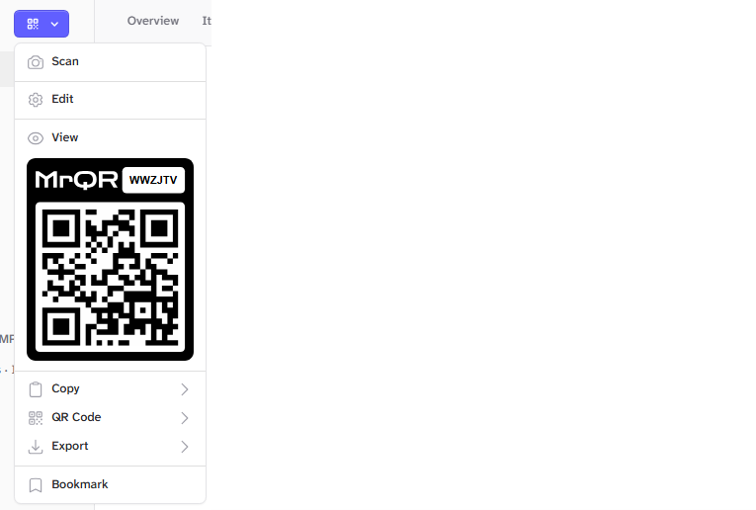
Or by selecting the Items . . . Menu