How do I manage my own and Teams Files?
MrQR


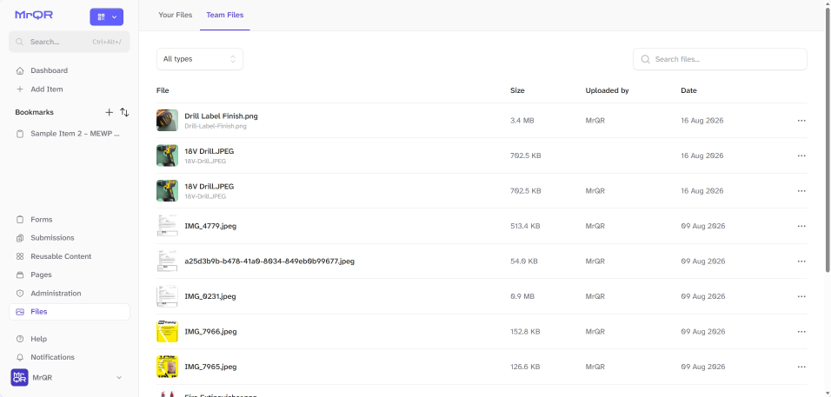
Select the Files button on your Dashboard to open the File manager screen

Select
Your Files (Files you have uploaded when submitting forms)
Team Files (Files uploaded by all team members)
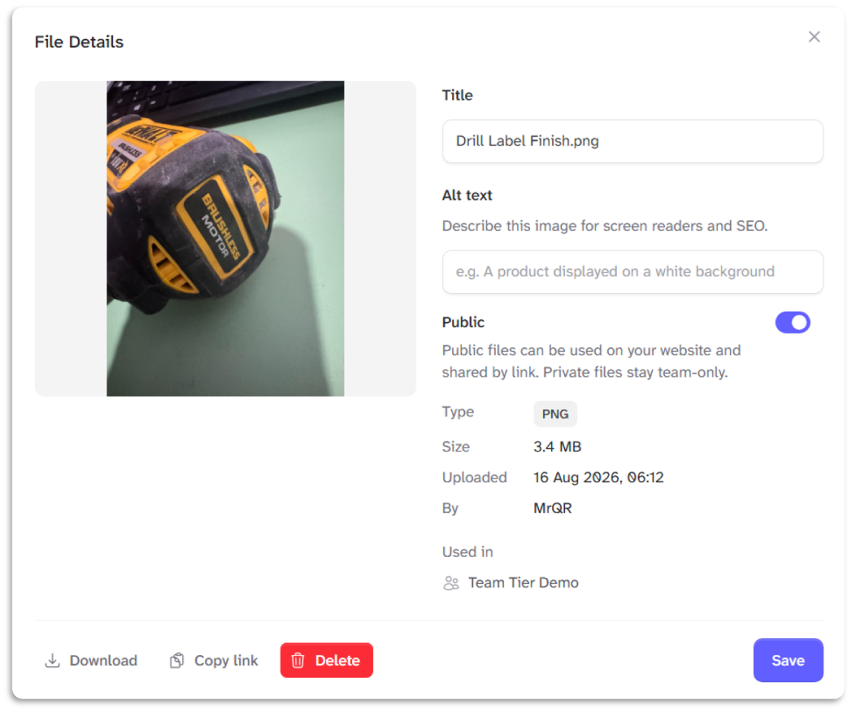
Select the File . . . Menu for options to view details, download, or copy the File URL.
You can rename, add alternative text and delete files.
View your own and Teams files here.