How do I reorder questions (Blocks) on a MrQR digital form?
MrQR

Navigate to the form you want to edit.
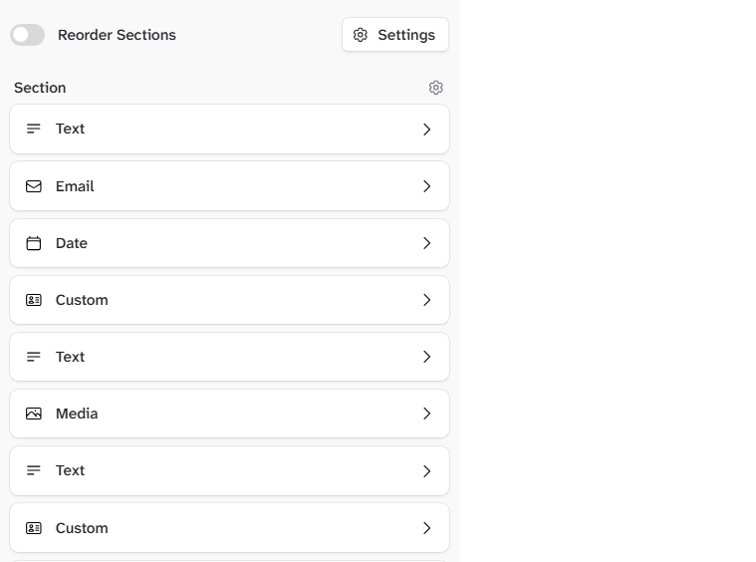
Select the Reorder Sections toggle in the top menu bar.

Select the block icon and drag the block to the required position.
To go to your form builder, click here