How do I create a MrQR digital form?
MrQR


To open the form builder, select Forms from the dashboard side menu.

To open the new form popup and create a new form, select +
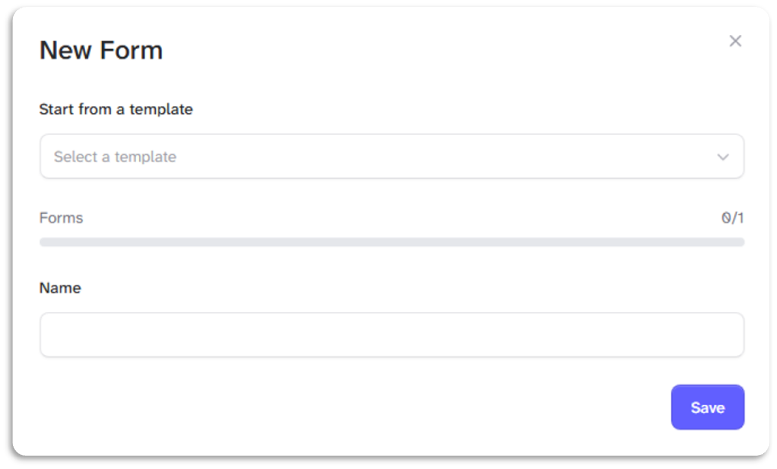
You can select a template to edit or enter the name of your form and select [Save] to create a new blank form.
The New form pop-up shows you how many forms you can create in your subscription.
Free - 1
Starter - 10
Team - 100
Business - Unlimited
Enterprise - Unlimited
To go to your form builder, click here
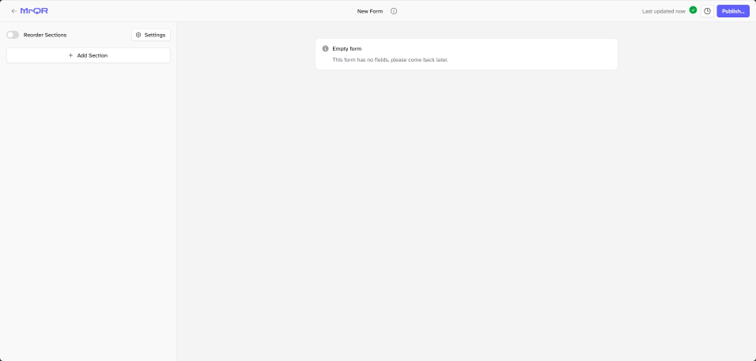
You can start building your form by adding content
You must publish a form before you can assign it to an item