How do I add content to a MrQR digital form?
MrQR

Navigate to the form you are creating or editing.
See
To add content and questions to your form, you first need to add a section.
See
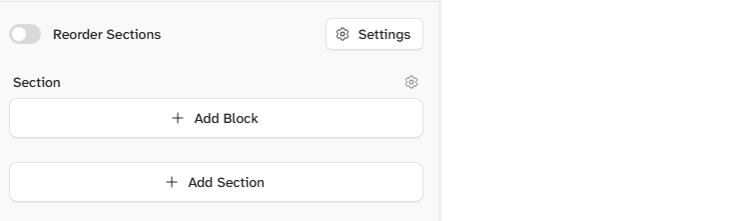
To open the Add Block menu, select + Add Block from the right form builder menu under the section where you want to add your question,
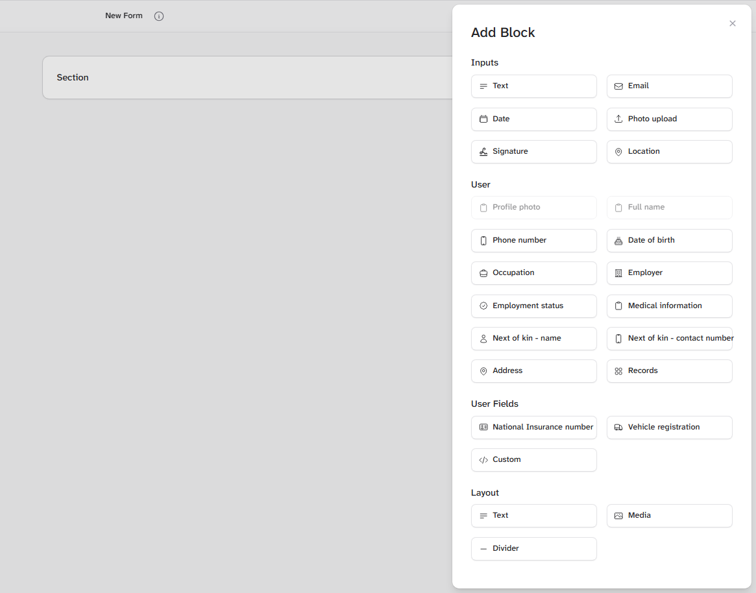
You can add the following inputs and layouts. Select the links below to find out more...