Text Input
MrQR

Text
Answers can be Single-line, multi-line, or multiple-choice.
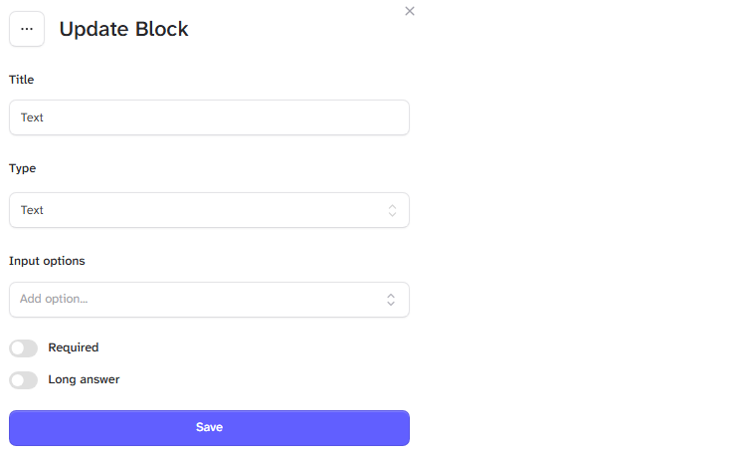
Enter your question in the title box.
If you want a text answer, leave the Input option box blank.
For multiple-choice answers, enter your answer into the input option box and then + Add option or select enter/return on your keyboard to populate the list of answers.

Select the required options toggles.
Required
Long answer (Text only answers)
Allow multiple (Multiple choice only)
