User Fields
MrQR

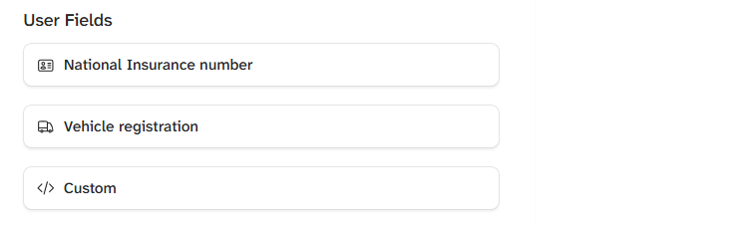
User Fields are custom inputs you can set to accept a certain format or answer. Examples include a vehicle registration and national insurance number.
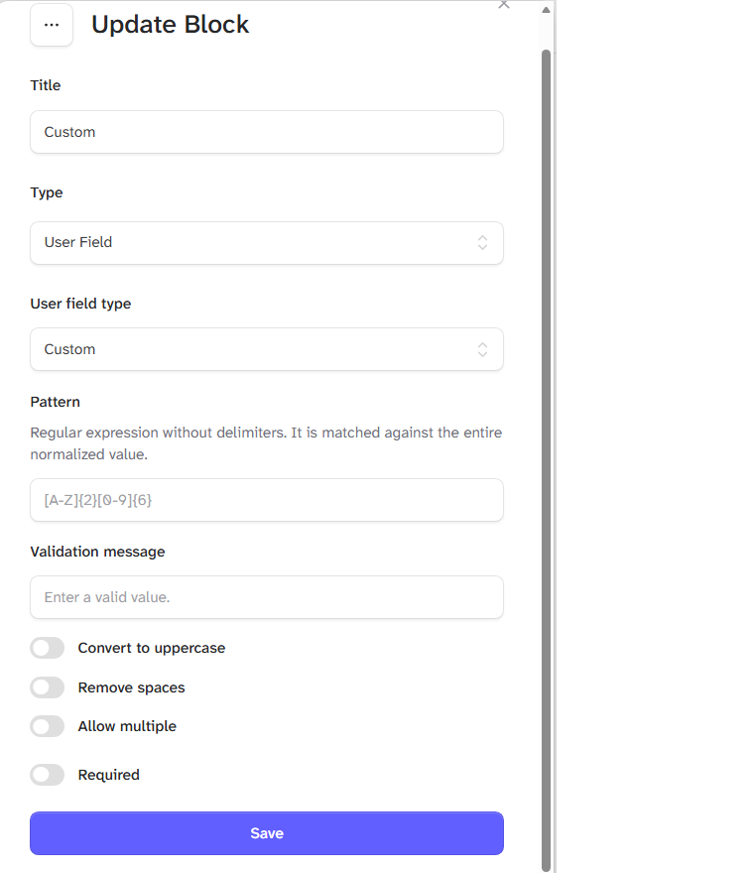
For custom fields, enter your question in the Title box.
Enter the required answer; this could be a code in the Pattern box. (The form will not submit if the answer does not match)
Enter a message to appear in the form summary when the answer is incorrect in the Validation message box.
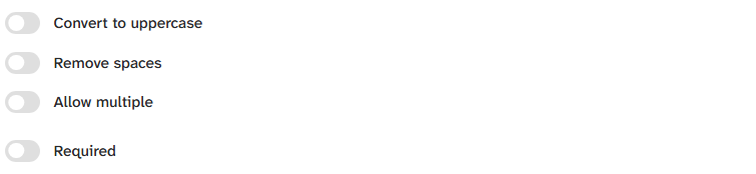
Select the required option toggle.
Convert to uppercase - (Text is converted to UPPERCASE)
Remove spaces - (Spaces within answers are removed)
Allow multiple - (Multiple answers are allowed)
Required - (The form cannot be submitted unless answered)