How do I add sections to a MrQR digital form?
MrQR


To open the form builder, select Forms from the dashboard side menu.

Create a new form or edit an existing.
see
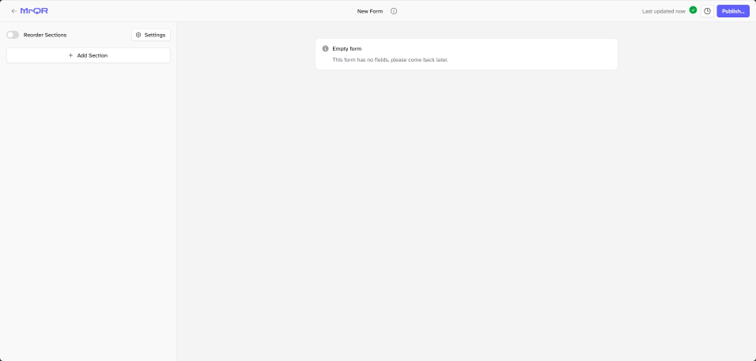
To add content and questions to your form, you first need to add a section.
Select the [+ Add Section] button
A new section will be created.
Sections can be reordered; you can now edit the section name, add conditional logic and remove the section.
To go to your form builder, click here