How do I view and revert to an older version of a MrQR digital form?
MrQR

Navigate to the form you want to edit.

Select the Clock button on the top menu bar to view previous versions of the form.
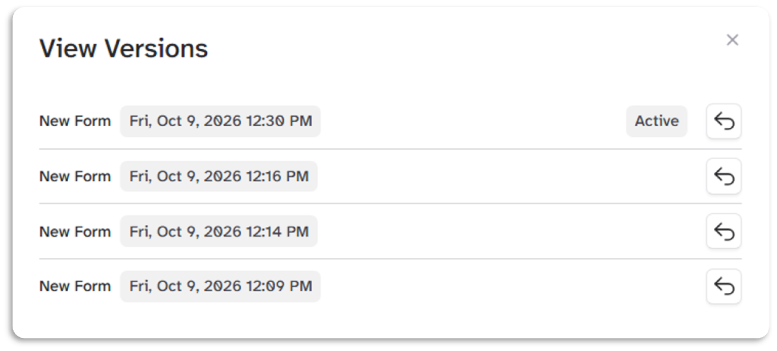
Select the Revert arrow button
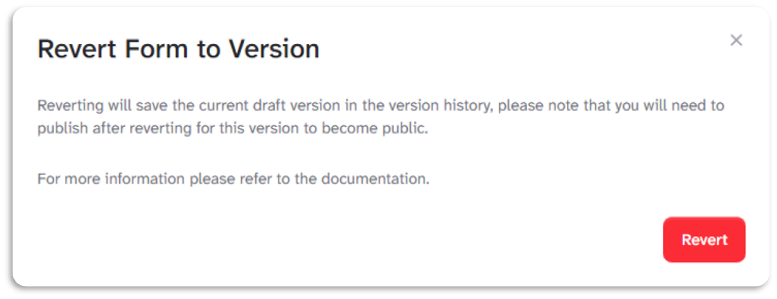
Reverting will save the current draft version in the version history. Please note that you will need to publish after reverting for this version to become public.
To go to your form builder, click here