Recieve Notifications
Team members can select to receive instant notifications for form submissions, access requests and invitations. Users receive notifications when access to your private digital forms is accepted or denied.
Team members will receive a daily digest email, summarising notifications. Depending on your team subscription, your team members can opt to receive instant emails for all notifications.
Go to MrQR and log in with your MrQR username and password.
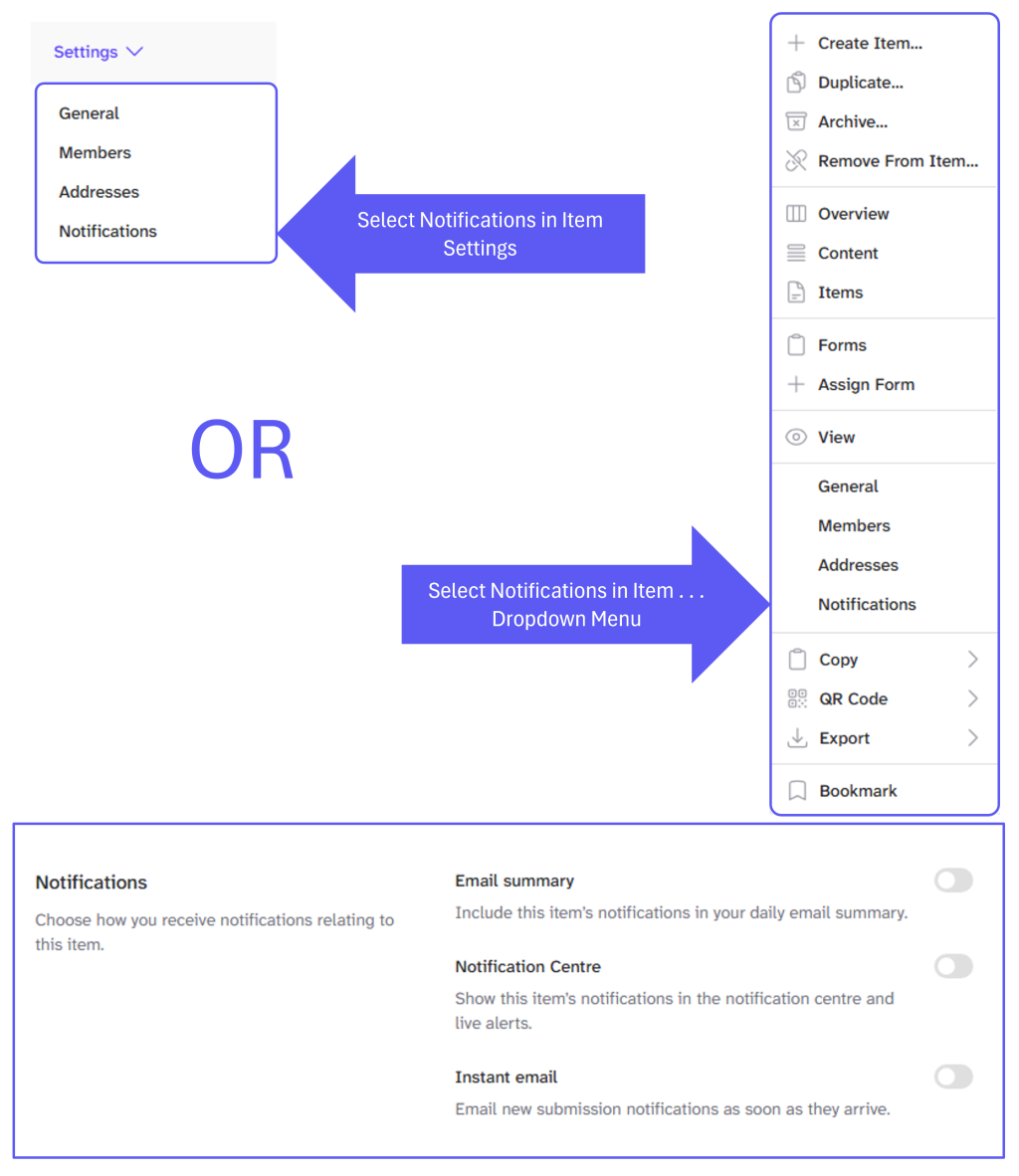
Select your item or the item menu . . . or item Settings
Select Notifications
You are now in the item notification centre and can select
Email Summary - Include this item’s notifications in your daily email summary.
Notification Centre - Show this item’s notifications in the notification centre and live alerts.
Instant Email - Email new submission notifications as soon as they arrive.
Screen Shots