How do I get email notifications?
MrQR

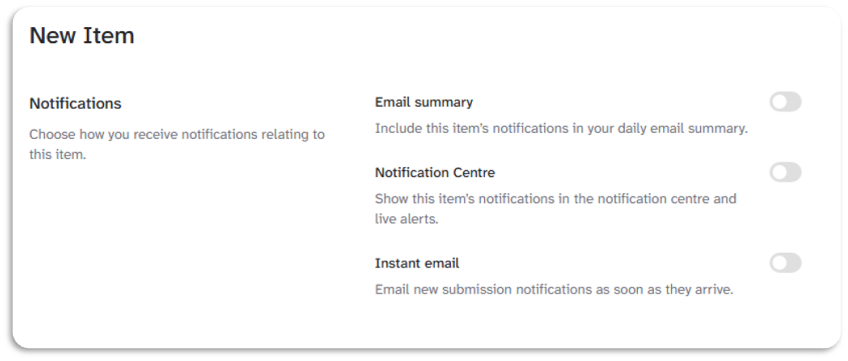
To receive emails for an Item notifications. Turn on the Email summary or Instant email in the Item settings.
Select your Item then go to Settings > Notifications

To include the item notifications in your daily summary, turn on the Email Summary Toggle.

To receive email notifications for item events as they happen, turn on the Instant Email toggle.
Instant emails are not available on Free or Starter Team subscriptions.
You must also select Immediate for your Email frequency in your account settings.
Go to your account settings here.
Turn off the toggles to stop receiving item email Notifications.