Registers
MrQR


The site Registers are accessed by selecting Registers in the Dashboard.
From this page you can
- Edit Register Settings
- Create New Registers
- Select and Edit Previously Created Registers.
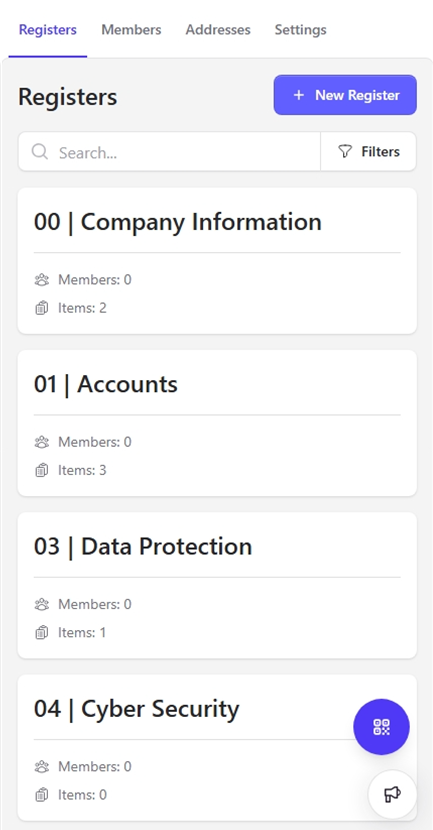
Names and tags can be edited later.
- Registers can be locked or public so you can allow or deny MrQR user access. (this can be also changed later)
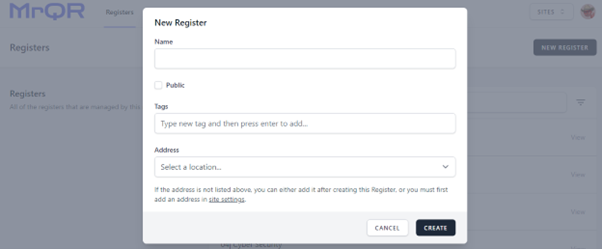
Select the Register menu, then the [NEW REGISTER] Button.
Enter a name and if you want, assign an address and multiple tags to help sort and find your register.

"A locked register is useful for controlling who can complete permits, Safe Isolations and work at height inspections, a public register can be used for Toolbox Talks, Asbestos notifications etc…"