How do I add and remove Dashboard Cards?
MrQR

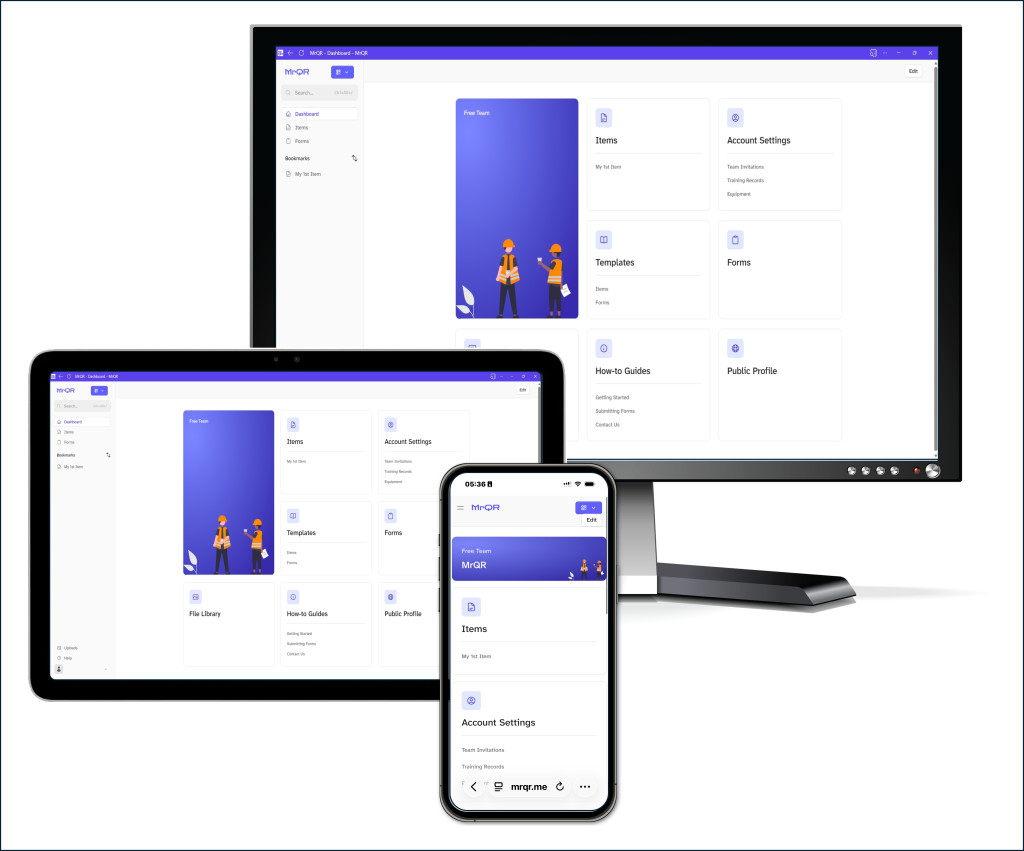

To add a Dashboard card, select the [+ Add] Button
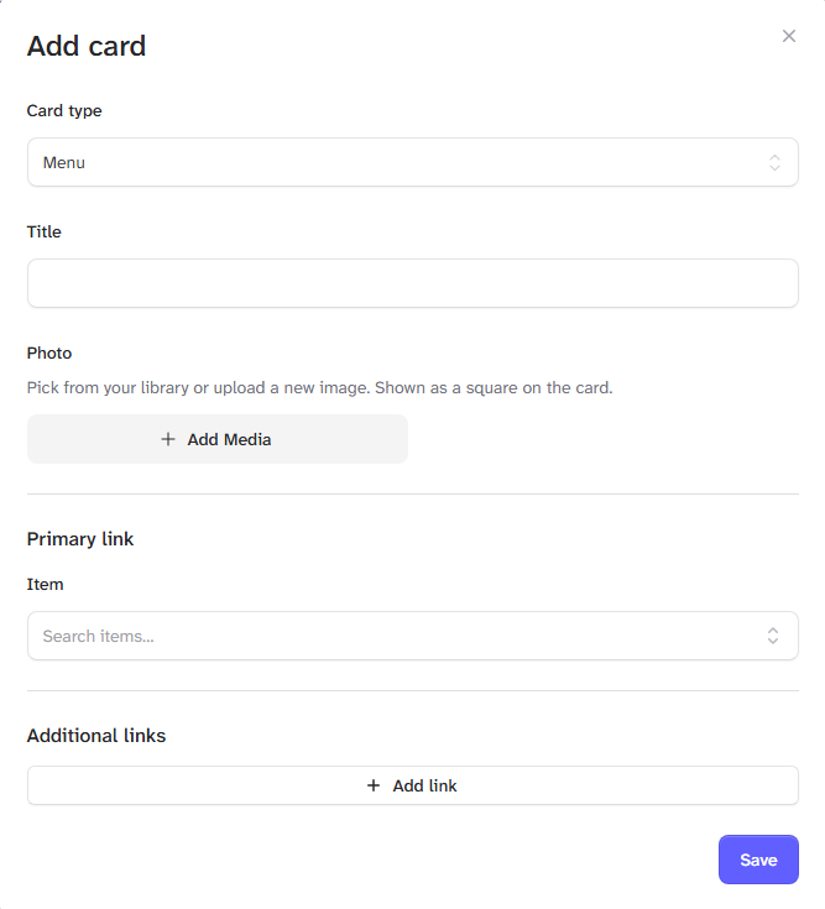
Select your card type
Menu
Item
Chart
Select the [Save] Button when you have set up your card.
Return to your dashboard here.