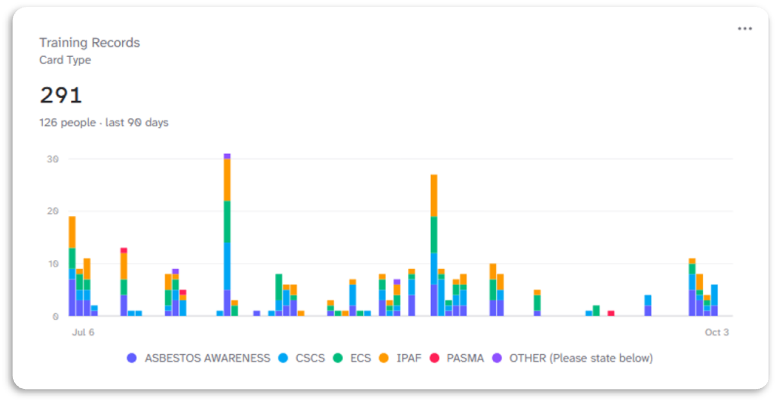
How do I add Charts to my Items Web Page?
MrQR

To add Charts to your Items Web Page, navigate to your Item and select Content then + Add Content
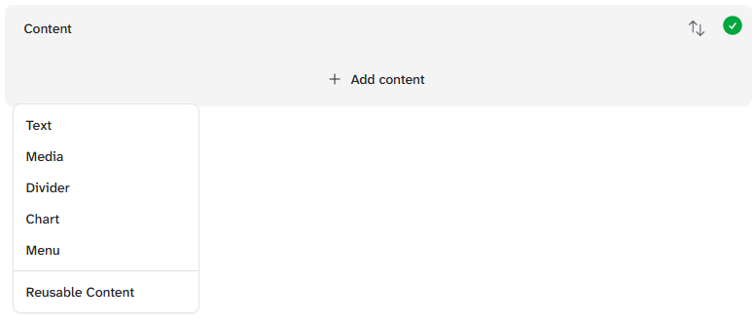
and select Chart.
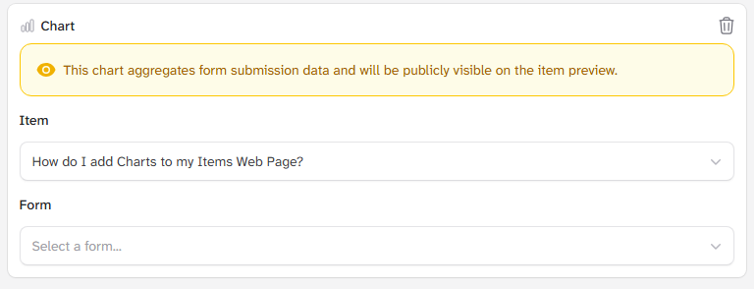
Although by default, your current item will be selected, you can select any item that has been created in your team.
Items must have at least one form assigned.
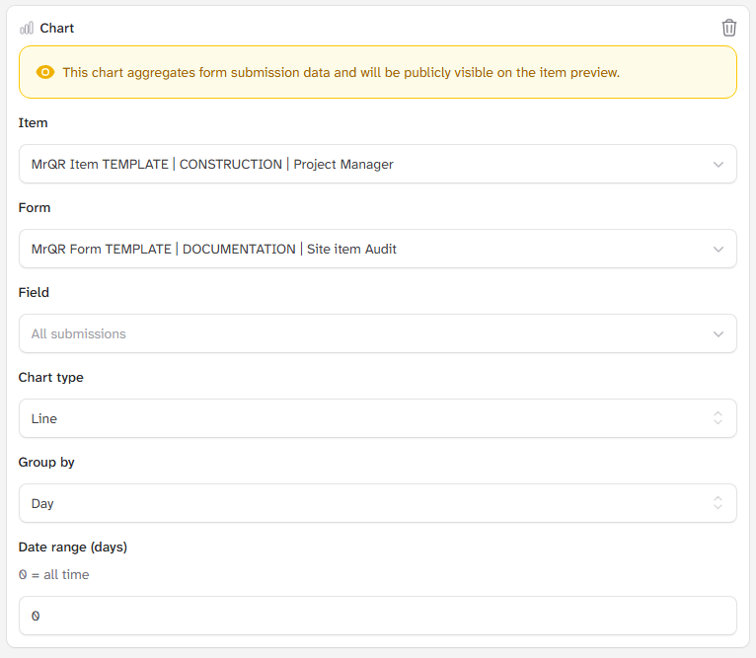
You can choose the parameters for how you want to view your chart.
Field - All submissions or a selected field.
Chart Type - Line, Bar or Stacked Bar Chart.
Grouped By - Day, Week or Month
Date Range (Days) - Enter a number for the number of days viewed.
Charts are dynamic and will continually update.