How do I add Media to my Items Web Page?
MrQR

To add Media to your Items Web Page, navigate to your Item and select Content then + Add Content
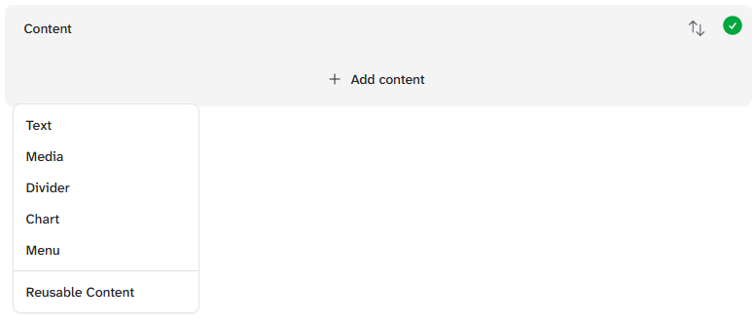
and select Media

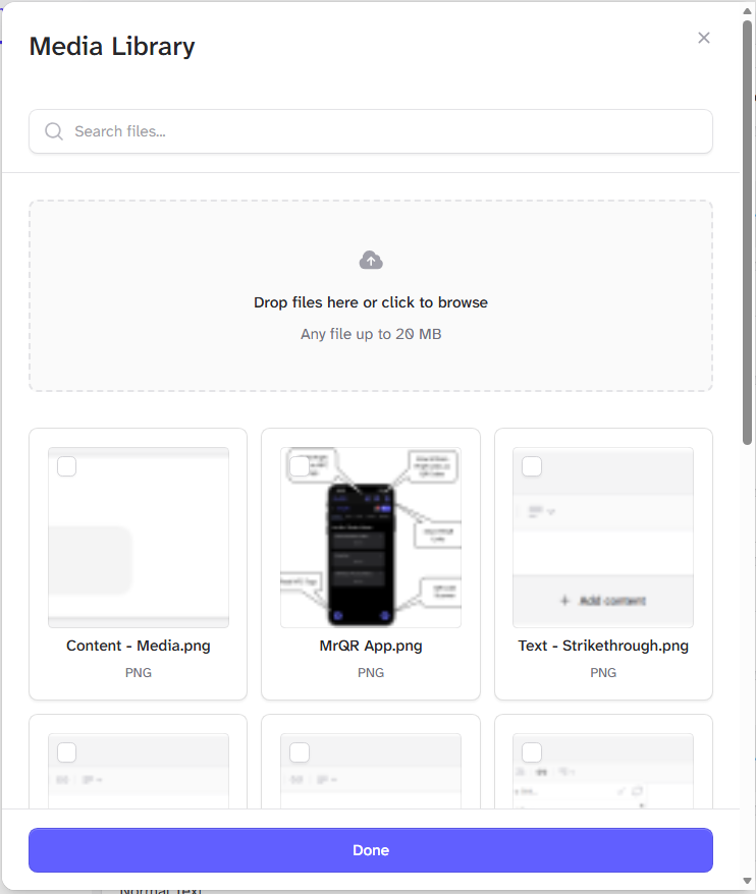
Either search and select media from your Teams files or upload new media from your device.
Media can be any file up to 20 MB.
You can add multiple files.
Images, videos, and PDF documents will be shown, but can also be shown as downloadable links by switching on the Display as links Toggle. All other files will be shown as a downloadable link.