How do I add text to my Items Web Page?
MrQR

To add Text to your Items Web Page, navigate to your Item and select Content then + Add Content
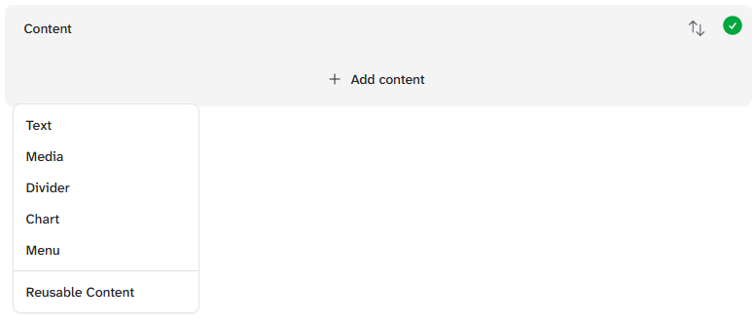
and select Text
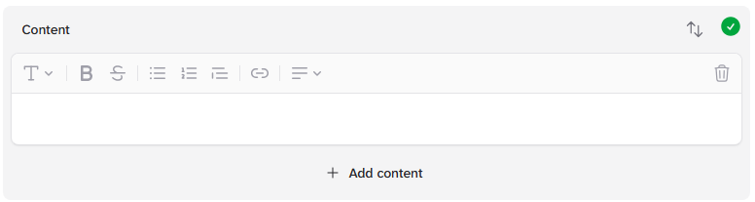
Text Content can be formatted.
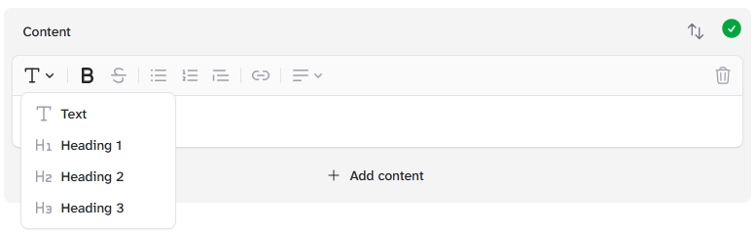
Normal Text
Heading 1
Heading 2
Heading 3
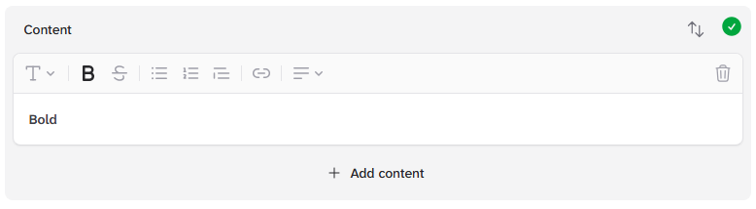
Bold
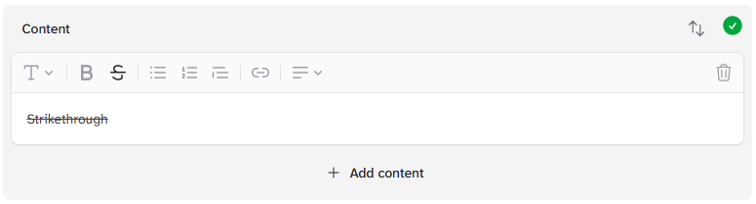
Strikethough
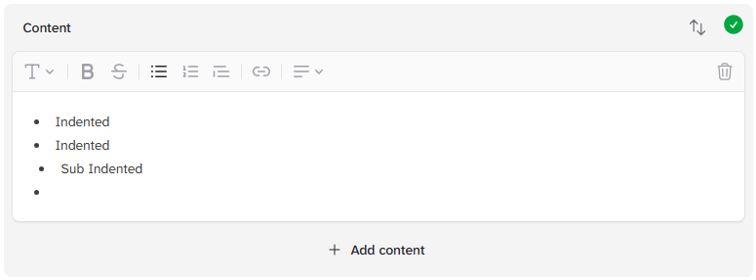
Indent
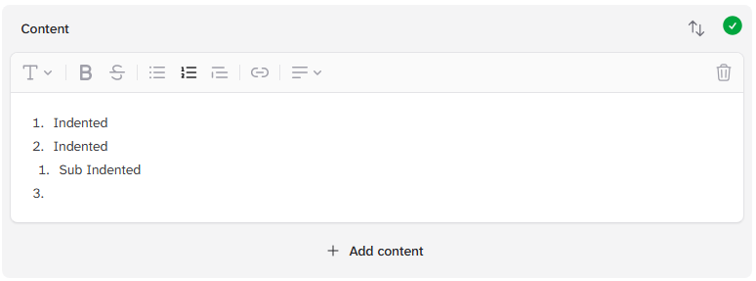
Number Indent
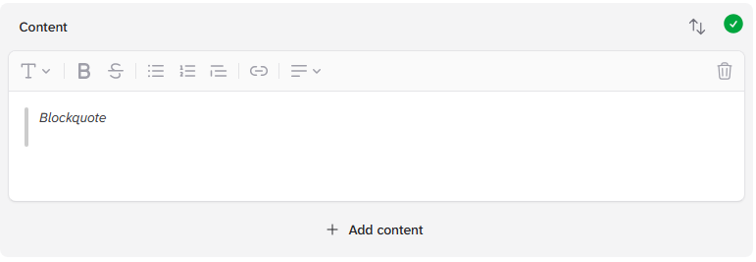
Blockquote
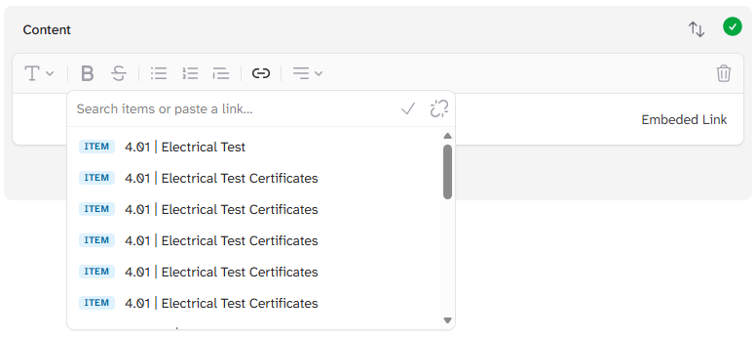
Embedded Links of other Items or external web sites.
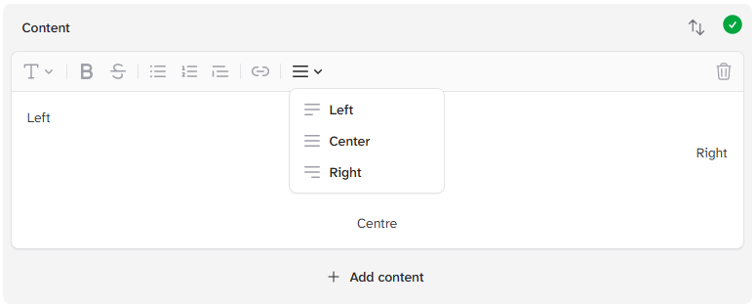
Align Left
Align Centre
Align Right