How do I add content to the Items web page?
MrQR

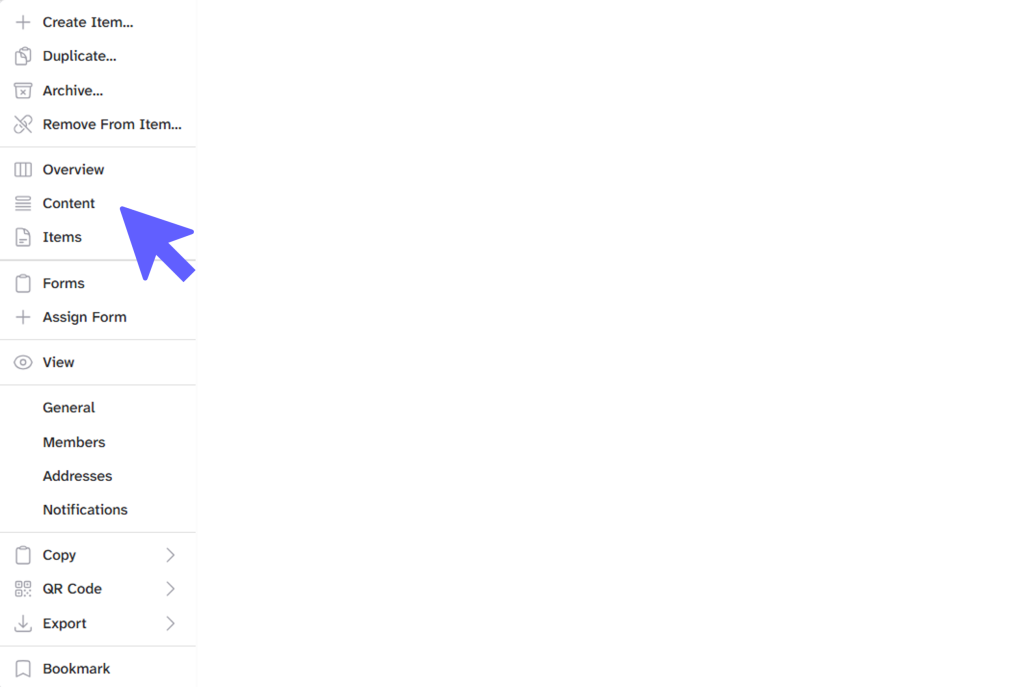
To add content to the Items web page, navigate to your item and select content from the top menu panel,

or the item . . . menu
You can now add Text, Media, Dividers, Charts, Menus & Reusable Content to your Items Web Page.
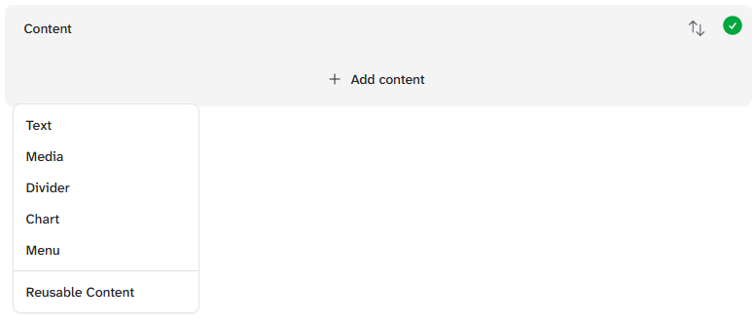
Select + Add content, to add your content